
Both tools simplify booking by automating scheduling, reminders, and calendar syncing. Here’s a quick breakdown to help you decide:
- Quick Comparison
- Feature Comparison: Calendly vs. YouCanBook.me
- Scheduling Process
- Customization Features
- Integration Options
- Pricing and Cost Analysis
- Basic Plans
- Advanced Features and Pricing
- Suitability for Podcasting
- User-Friendliness for Podcasters
- Automation and Management
- Podcast Scheduling Scenarios
- sbb-itb-9f49a8d
- Comparison Table: Calendly vs. YouCanBook.me
- Comparison Table
- Related video from YouTube
- Conclusion and Tool Recommendations
- Additional Resources for Podcasters
- Visit Podcastsoftware.co
- Calendly: Starts at $6.99/month. Best for solo podcasters needing advanced scheduling and automation.
- YouCanBook.me: Starts at $9/month. Ideal for podcast teams with customizable booking pages and team-friendly features.
Quick Comparison
| Feature | Calendly | YouCanBook.me | Best For |
|---|---|---|---|
| Starting Price | $6.99/month per user | $9/month per calendar | Solo podcasters (Calendly), Teams (YouCanBook.me) |
| Free Plan | Unlimited bookings, 1 calendar | Limited bookings, 1 calendar | New podcasters |
| Custom Branding | Basic | Full | Brand-focused shows (YouCanBook.me) |
| Team Scheduling | Round-robin assignments | Pooled availability | Podcast networks (YouCanBook.me) |
| Video Conferencing | Free Zoom integration | Paid Zoom integration | Remote interviews (Calendly) |
| Advanced Features | Buffer time, logic rules | Custom booking forms | Complex scheduling (Calendly) |
Key Takeaway: Choose Calendly for simplicity and advanced scheduling or YouCanBook.me for team collaboration and customization.
Feature Comparison: Calendly vs. YouCanBook.me
Scheduling Process
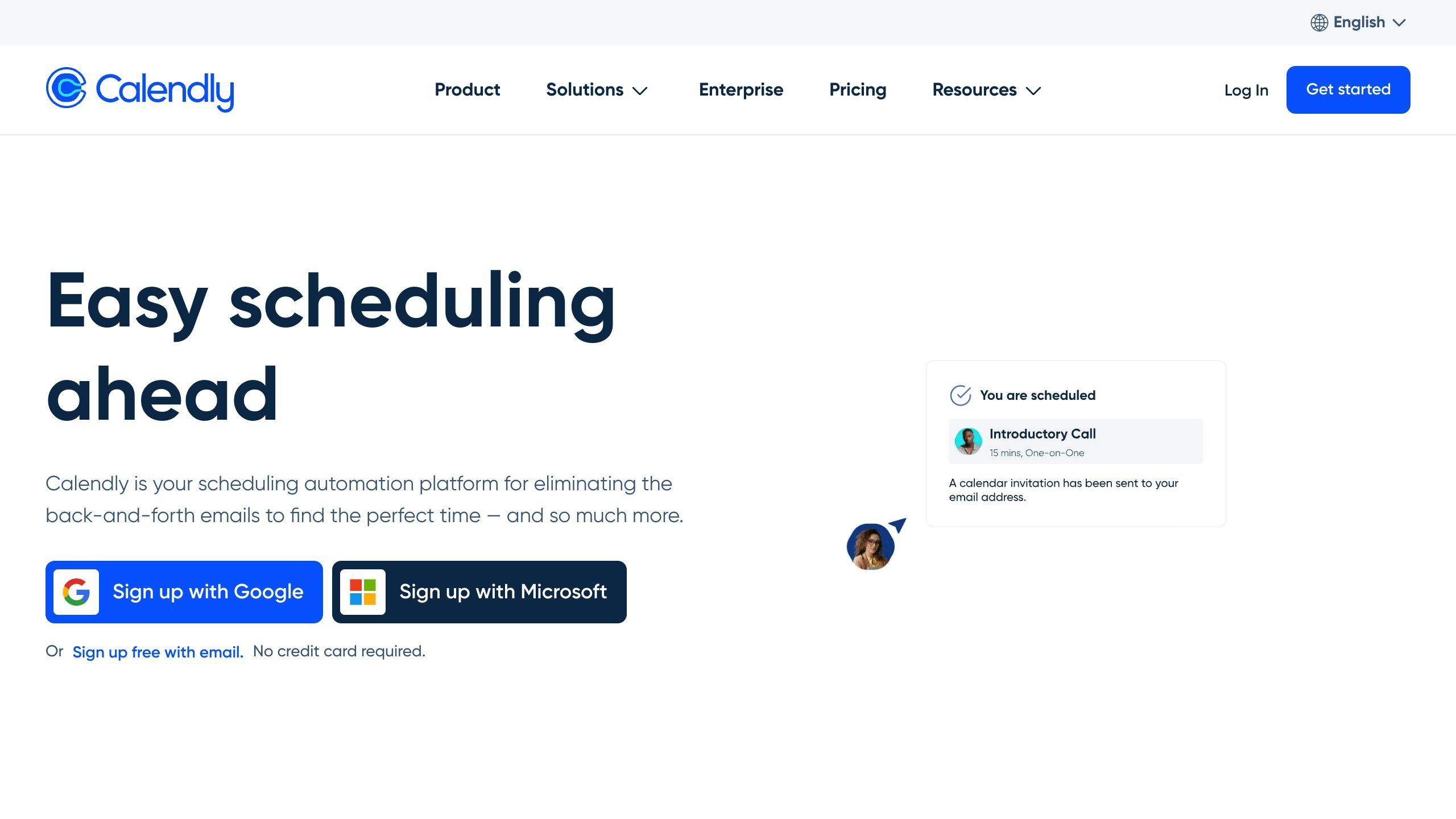
Calendly makes scheduling easier with preset meeting types like one-on-one interviews or panel discussions. It also uses automated workflows to cut down on manual tasks. On the other hand, YouCanBook.me uses a form-based system that lets podcasters customize booking forms with guest-specific questions and preferences. This approach gives podcasters more control. Plus, its real-time booking page preview ensures everything looks professional for potential guests.
Customization Features
YouCanBook.me stands out with its advanced customization options. Podcasters can create branded booking pages tailored to different show formats or co-hosts, helping to present a polished and professional image. Calendly, meanwhile, focuses on basic branding features, keeping things simple and quick to set up – especially useful for those with packed schedules or smaller budgets.
Integration Options
Both platforms offer a range of integrations that are key for podcast production:
| Integration Type | Calendly | YouCanBook.me |
|---|---|---|
| Calendar Systems | Google Calendar, Office 365, Outlook | Google Calendar, Office 365, Outlook |
| Video Conferencing | Zoom, GoToMeeting, Microsoft Teams (free plan) | Zoom (paid plans only) |
| Email Platforms | Gmail, Outlook | Gmail, Outlook |
| Automation Tools | Zapier, Webhooks | Zapier, API access |
Calendly’s free video conferencing integrations are great for remote interviews, while YouCanBook.me requires a paid plan for similar features. However, YouCanBook.me balances this with more detailed customization options for setting up meetings.
Both platforms include automation tools that simplify guest booking. Calendly offers features like meeting limits and buffer times between sessions. Meanwhile, YouCanBook.me’s pooled availability feature allows guests to choose from multiple hosts – perfect for podcasts with rotating co-hosts or guest experts. Calendly also supports round-robin events for team scheduling, but YouCanBook.me provides more control in such scenarios.
Ultimately, both platforms offer strong tools for podcasters, though their pricing and features cater to different needs and budgets.
Pricing and Cost Analysis
Basic Plans
Both YouCanBook.me and Calendly offer free plans with core scheduling features, but they cater to different needs. YouCanBook.me’s free plan covers basic scheduling but limits the number of appointments per month. Calendly, on the other hand, allows unlimited bookings, focusing on smoother appointment management.
When it comes to paid plans, YouCanBook.me stands out with a $9/month option that includes advanced scheduling tools and more customization. Calendly’s $12/month plan emphasizes core scheduling features but offers fewer customization options [2].
| Feature | Calendly Free | YouCanBook.me Free | Calendly Pro | YouCanBook.me Pro |
|---|---|---|---|---|
| Basic Features | Single calendar, unlimited bookings | Single calendar, limited bookings | Multiple calendars | Multiple calendars |
| Custom Branding | Basic | No | Full | Full |
| Video Integration | Basic | No | Advanced | Advanced |
| Guest Reminders | Email + SMS | Email + SMS | ||
| Team Features | No | No | Basic | Advanced pooling |
Advanced Features and Pricing
YouCanBook.me’s pricing model is tailored for teams, especially those managing multiple calendars or shows, making it a practical choice for podcast networks. Optional add-ons include SMS notifications (7 cents per message) and payment processing via Stripe (1% commission) [2].
For podcasters, YouCanBook.me offers an edge with priority customer support included in all paid plans, whereas Calendly limits this perk to enterprise-level users [3]. Teams handling multiple podcasts often find YouCanBook.me’s pricing structure more cost-effective compared to Calendly’s team-oriented plans [3].
Choosing between these platforms depends on your podcast’s specific needs, such as the number of guests and the size of your team. Each platform brings unique strengths to the table, so it’s worth considering which aligns best with your workflow.
Suitability for Podcasting
User-Friendliness for Podcasters
YouCanBook.me makes scheduling easier with customizable appointment types displayed on a single page. This setup works well for organizing solo or panel interviews. Its straightforward interface lets you quickly create branded booking pages that align with your podcast’s style [2].
Calendly, on the other hand, shines when handling more complex scheduling needs. Its round-robin feature is especially useful for podcast networks or shows with multiple hosts, ensuring interview slots are distributed efficiently [3].
Automation and Management
Both platforms leverage integrations to streamline podcast scheduling. YouCanBook.me allows multiple team members to coordinate on a single booking page, making it a great choice for production teams managing shows across different time zones [2].
Calendly focuses on smart scheduling with features like buffer time management and advanced logic to avoid double-booking. This ensures interviews are spaced appropriately, keeping your schedule organized [3].
| Feature | YouCanBook.me | Calendly |
|---|---|---|
| Team Coordination | Pooled availability | Round-robin scheduling |
| Buffer Management | Basic time padding | Advanced scheduling rules |
| Calendar Integration | Direct sync with major platforms | Comprehensive calendar management |
These tools help tackle common podcast scheduling issues, like avoiding back-to-back interviews or managing multiple guests.
Podcast Scheduling Scenarios
YouCanBook.me’s pooled availability feature is perfect for scheduling recurring guests or arranging consecutive interviews. Guests can select their preferred time slots, and the platform automatically ensures there’s enough prep time between sessions [2].
Calendly’s group event feature is ideal for panel discussions or episodes with multiple guests. It coordinates everyone’s schedules, making it a valuable tool for podcasts that regularly host roundtable discussions [3].
For podcasters juggling multiple shows, YouCanBook.me provides separate scheduling pages for each show. These pages can include specific time slots, preparation notes, and automated follow-up messages [2].
Both tools cater to different podcasting needs, making it easy to find a solution that fits your workflow. Next, let’s dive into a side-by-side feature comparison to help you decide which platform works best for your podcast.
sbb-itb-9f49a8d
Comparison Table: Calendly vs. YouCanBook.me
Comparison Table
Here’s a breakdown of how Calendly and YouCanBook.me stack up for podcast scheduling:
| Feature | Calendly | YouCanBook.me | Best Fit |
|---|---|---|---|
| Starting Price | $6.99/month per user | $9/month per calendar | Solo Podcasters (Calendly), Podcast Teams (YouCanBook.me) |
| Free Plan | Basic scheduling, 1 calendar | Basic scheduling, 1 calendar | New Podcasters |
| Team Scheduling | Round-robin assignments, shared event types | Multiple team members on a single booking page | Podcast Networks (YouCanBook.me) |
| Guest Management | Group events, collective scheduling | Pooled availability | Panel Shows (Calendly) |
| Calendar Integration | Google Calendar, Office 365, Outlook | Google Calendar, Office 365, Outlook | All Podcasters |
| Booking Page Editor | Standard customization options | Easier setup with a more intuitive interface | Brand-Focused Shows (YouCanBook.me) |
| Complex Scheduling | Advanced rules, buffer management | Basic time padding, straightforward setup | Multi-Show Hosts (Calendly) |
| Automation | Advanced workflows and scheduling logic | Simple reminders and basic automation | High-Volume Shows (Calendly) |
Calendly is a strong choice for podcasters who need advanced tools for managing intricate schedules, especially those juggling guests across various time zones. Its automation features and scheduling logic make it ideal for high-output shows or those with multiple formats [2][3].
On the other hand, YouCanBook.me shines with its straightforward setup and team-friendly approach. It’s particularly well-suited for podcast networks or teams that value simplicity and shared booking options [2]. Both platforms’ free plans provide essentials like calendar syncing and basic customization [1].
Ultimately, the choice comes down to your podcast’s needs: go with Calendly for its powerful scheduling capabilities or YouCanBook.me for ease of use and team-oriented features.
Related video from YouTube
Conclusion and Tool Recommendations
Choosing between Calendly and YouCanBook.me ultimately comes down to your podcasting needs. Here’s a breakdown to help you decide:
For Solo Podcasters on a Budget
Calendly is a great fit for solo podcasters managing their schedules. Starting at $6.99/month per user, it offers advanced scheduling tools and automation that make handling multiple guests – especially for high-output shows – much easier [2].
For Podcast Networks and Teams
If you’re part of a podcast network or work with a team, YouCanBook.me stands out. At $9/month per calendar, it’s well-suited for collaborative setups. Its customizable forms and appointment options are handy for managing diverse show formats [3].
Feature Comparison
Here’s a quick look at which platform works best for specific needs:
- Calendly: Ideal for advanced scheduling, managing complex guest setups (like panel shows), and handling international guests across time zones.
- YouCanBook.me: Perfect for creating customizable booking pages, team-friendly scheduling, and fast, straightforward setup.
For more advice on scheduling tools and podcast software, check out Podcastsoftware.co. They offer in-depth resources to help you streamline your podcasting workflow.
Both tools integrate seamlessly with major calendar services, so the decision comes down to which one fits your workflow better. Choose the platform that aligns with your podcast’s requirements for smooth and efficient scheduling.
Additional Resources for Podcasters
Looking to improve your podcasting setup? Podcastsoftware.co is a go-to resource for building an effective podcasting toolkit and streamlining your workflow.
Visit Podcastsoftware.co
At Podcastsoftware.co, you’ll find:
- Hosting Platforms: Discover the ideal place to host your episodes.
- Editing Tools: Access software to polish your audio.
- Distribution Apps: Learn about platforms like Player.fm and Castbox.
- Workflow Integration: Get tips on syncing scheduling tools with other podcast software.
With details on over 30 podcast players, Podcastsoftware.co ensures your podcast reaches listeners on their preferred platforms. The site also provides in-depth comparisons and advice on integrating tools like Calendly or YouCanBook.me to simplify your process.
Using reliable resources like this can help you create a smooth and professional podcasting workflow, from scheduling to distribution.