
When editing your podcast, the right software can make all the difference between a polished production and an amateur sound. Here’s a quick overview of 10 podcast editing tools that cater to different needs, budgets, and skill levels:
- Quick Comparison
- Best Podcast Recording & Editing Software
- 1. Reaper
- Features
- Pricing (USD)
- Platform Compatibility
- Skill Level Suitability
- 2. Hindenburg Journalist
- 3. Sound Forge Pro
- Pricing (USD)
- 4. Cubase
- Features
- Pricing (USD)
- Platform Compatibility
- Skill Level Suitability
- 5. Zencastr
- Features
- Platform Compatibility
- Skill Level Suitability
- 6. Riverside
- Features
- Pricing (USD)
- Platform Compatibility
- Skill Level Suitability
- sbb-itb-0e595bb
- 7. Auphonic
- Features
- Pricing (USD)
- Platform Compatibility
- Who It’s For
- 8. Descript
- 9. Audacity
- Features
- Pricing (USD)
- Platform Compatibility
- Skill Level Suitability
- 10. Adobe Audition
- Features
- Pricing (USD)
- Platform Compatibility
- Skill Level Suitability
- Advantages and Disadvantages
- Conclusion
- FAQs
- What should I consider when choosing the right podcast editing software for my needs and budget?
- How do cloud-based podcast editing tools compare to traditional desktop software in terms of features and reliability?
- What are the benefits of using AI-powered tools like Auphonic for podcast editing, and how can they fit into your workflow?
- Related Blog Posts
- Reaper: Affordable and feature-packed, ideal for advanced users who want customization ($60 one-time for personal use).
- Hindenburg Journalist: Tailored for spoken-word editing with automatic leveling, but pricier ($399 one-time).
- Sound Forge Pro: Precise audio restoration for professionals, with flexible pricing ($159.99–$599 one-time or subscription).
- Cubase: High-end DAW with advanced tools, great for music-heavy podcasts ($99.99–$579.99 one-time).
- Zencastr: Browser-based remote recording with progressive upload, perfect for interviews (Free–$20/month).
- Riverside: Studio-quality remote recording with video support ($15–$99/month).
- Auphonic: AI-driven post-production for quick audio fixes (Free–$18/month or credit-based plans).
- Descript: Text-based editing with transcription for efficient workflows ($12–$30/month).
- Audacity: Free, open-source editor with solid features for beginners.
- Adobe Audition: Professional-grade editing for serious podcasters ($22.99/month).
Each tool has its strengths, from free solutions like Audacity to premium options like Adobe Audition. Whether you’re a beginner or a seasoned pro, there’s a tool to match your workflow and budget.
Quick Comparison
| Software | Best For | Pricing | Skill Level | Platform |
|---|---|---|---|---|
| Reaper | Advanced customization | $60–$225 (one-time) | Intermediate–Advanced | Windows, macOS, Linux |
| Hindenburg Journalist | Spoken-word editing | $399 (one-time) | Beginner–Pro | Windows, macOS |
| Sound Forge Pro | Audio restoration | $159.99–$599 | Advanced | Windows |
| Cubase | Music-heavy podcasts | $99.99–$579.99 | Intermediate–Advanced | Windows, macOS |
| Zencastr | Remote interviews | Free–$20/month | Beginner–Intermediate | Browser-based |
| Riverside | Remote video/audio recording | $15–$99/month | Beginner–Pro | Browser, iOS, Android |
| Auphonic | Automated post-production | Free–$18/month | All levels | Browser, Android |
| Descript | Text-based editing | $12–$30/month | Beginner–Intermediate | Windows, macOS |
| Audacity | Free editing solution | Free | Beginner–Pro | Windows, macOS, Linux |
| Adobe Audition | Professional-grade editing | $22.99/month | Intermediate–Advanced | Windows, macOS |
Choose the tool that aligns with your podcast’s complexity, your skill level, and your budget.
Best Podcast Recording & Editing Software
1. Reaper

Reaper is a digital audio workstation (DAW) that packs professional-level features into an affordable package. Created by Cockos, it has built a strong reputation for offering advanced tools without the hefty price tag often associated with similar software.
Features
Reaper stands out for its multi-track editing and real-time effects processing. You can work with unlimited audio and MIDI tracks simultaneously, using tools like noise gates, compressors, and EQ filters. Plus, it supports VST, AU, and JS plugins, giving podcasters access to a vast library of third-party audio effects and virtual instruments.
One of its best features is the customizable interface. You can tweak toolbars, menus, and keyboard shortcuts to fit your workflow perfectly. For those managing multiple episodes, the batch processing feature is a game-changer, allowing you to apply the same effects chain to multiple audio files automatically. Advanced users can take things further with Reaper’s scripting capabilities, automating complex tasks to save time and effort.
Pricing (USD)
Reaper’s pricing model is refreshingly straightforward. A discounted license is available for just $60, catering to personal use, small businesses, schools, and non-profits with annual revenue under $20,000. For commercial use, the cost rises to $225.
Both licenses come with free updates within the same major version, which typically spans 2–3 years. When a new major version is released, existing users can upgrade at a reduced cost. Unlike subscription-based models, Reaper is a one-time purchase, making it an investment that pays off over time.
Platform Compatibility
Reaper runs smoothly on Windows, macOS, and Linux, offering cross-platform consistency. Projects created on one system will open seamlessly on another, with all settings, effects, and automation intact. Even older hardware can handle Reaper efficiently, thanks to its low system requirements, ensuring stable performance even during demanding multi-track sessions.
Skill Level Suitability
Reaper’s robust features are a double-edged sword for beginners. While its capabilities are impressive, the sheer depth of options can feel overwhelming at first. Thankfully, the software comes with detailed documentation and a library of tutorials to guide new users.
For intermediate users, Reaper’s flexibility is a major asset. As podcast production becomes more complex, the ability to customize workflows and automate repetitive tasks is invaluable.
For advanced users and audio professionals, Reaper offers unparalleled freedom. Its scripting tools and extensive plugin support allow for intricate audio processing and automation setups that go beyond what simpler DAWs can handle. Whether you’re crafting a polished podcast or diving into professional audio production, Reaper has the tools to match your ambition.
2. Hindenburg Journalist
Hindenburg Journalist offers impressive flexibility with its platform compatibility. The Journalist Pro version works seamlessly on both Windows and Mac, while Hindenburg PRO takes it a step further by including support for iPhone and iPad. With a single license, you can install the software on up to two computers, making it convenient for those who split their work between different locations. Additionally, the mobile apps for iPhone and iPad allow for basic editing and remote recording, adding convenience for on-the-go users.
3. Sound Forge Pro
Sound Forge Pro offers flexible pricing with both one-time purchase and subscription plans, making it accessible for different types of users.
Pricing (USD)
- SOUND FORGE Pro 18 Standard:
- Perpetual license: $159.99 (regularly $399) for new users, or $79.99 for upgrades.
- Subscription: $14.99 per month (regularly $19.99) or $95.88 annually.
- SOUND FORGE Pro 18 Suite:
- Perpetual license: $239.99 (regularly $599).
- Subscription: $29.99 per month (regularly $39.99) or $143.88 annually.
All plans come with a 30-day free trial, and promotional pricing is valid until November 2, 2025.
4. Cubase
Cubase is a high-end DAW (digital audio workstation) designed for professional audio work, making it a great option for podcasters who want precise control over their recordings. Its advanced tools and features cater to those looking to elevate their podcast production quality.
Features
Cubase offers a range of tools tailored for detailed audio editing. One standout is its VariAudio technology, which allows for pitch correction and timing adjustments – perfect for cleaning up vocal recordings and ensuring polished results.
The software also includes a powerful mixing console and a library packed with over 70 audio effects, such as compressors, limiters, and noise reduction tools. For those who need precise monitoring, the Control Room feature provides a sophisticated way to detect and address audio issues during editing.
Its multi-track editing capabilities allow you to work with numerous tracks simultaneously. Features like automatic crossfade, audio quantization, and advanced automation give you fine control over volume adjustments and effect parameters, making it easier to create professional-sounding episodes.
These tools make Cubase an excellent choice for podcasters aiming for high-quality production.
Pricing (USD)
Cubase is available in three editions, each catering to different needs and budgets:
- Cubase Pro: Priced at $579.99, this version is packed with advanced editing tools, an extensive effects library, and support for a large number of audio tracks. It’s ideal for professional podcasters or those working on complex projects.
- Cubase Artist: At $329.99, this version offers a more streamlined experience, covering essential features for most podcast editing needs. While it lacks some of the advanced tools found in the Pro edition, it still delivers solid multi-track editing and effects processing.
- Cubase Elements: The entry-level option costs $99.99 and is perfect for beginners. It includes basic editing tools and a smaller selection of effects. While it’s sufficient for simpler productions, it may not meet the needs of those requiring advanced features.
Platform Compatibility
Cubase works seamlessly on both Windows and macOS. To ensure smooth operation, Windows users need version 10 (1909 or newer), while Mac users should have macOS 10.15 or later. The software requires at least 8 GB of RAM, though 16 GB or more is recommended for handling complex projects with multiple tracks and effects.
It also supports 64-bit processing, which is essential for managing larger files and intricate projects. Additionally, Cubase uses ASIO drivers on Windows and Core Audio on Mac, ensuring low-latency performance – critical for real-time monitoring during recording and editing.
Skill Level Suitability
Cubase is best suited for intermediate to advanced users, particularly those familiar with DAWs or willing to spend time learning its extensive feature set. The interface, with its many panels and options, can feel overwhelming for beginners.
For professional podcasters or those with experience in music production, Cubase’s advanced tools are incredibly valuable. While the learning curve is steep, the payoff is access to professional-grade audio processing that can significantly enhance podcast quality. The software offers extensive documentation and tutorials to help users get started, but newcomers should be prepared to invest time in mastering the workflow.
Although it may be overkill for simple edits, Cubase is an excellent choice for those planning to produce complex audio content or who want professional-level tools at their fingertips.
5. Zencastr
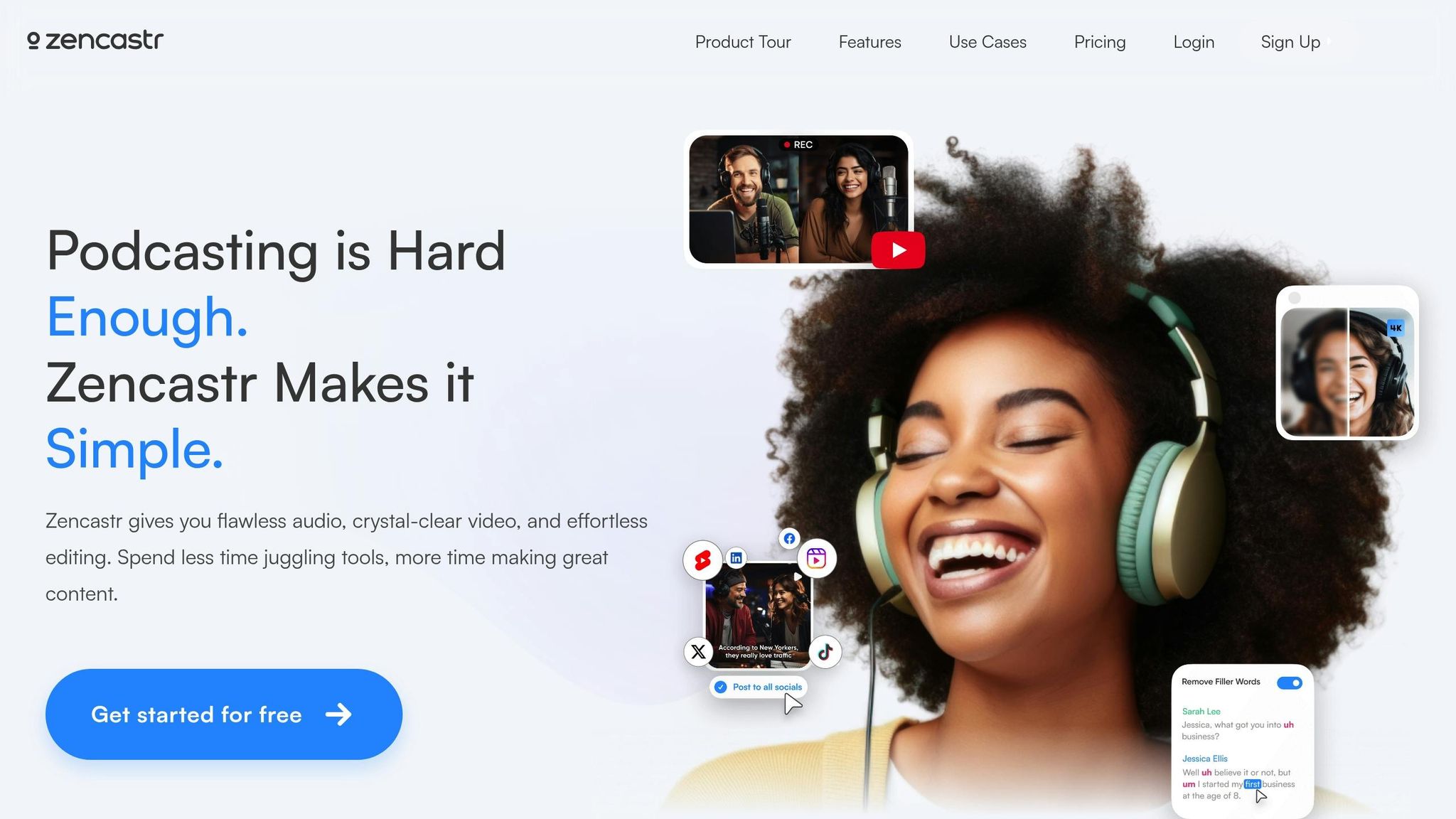
Zencastr is a browser-based recording platform tailored for remote podcast interviews and conversations. Unlike traditional desktop software, it focuses on delivering high-quality, multi-participant audio, regardless of location. This makes it a go-to option for podcasters who regularly host guests or collaborate with co-hosts. Here’s what makes Zencastr stand out.
Features
One of Zencastr’s standout features is its progressive upload technology. This system records each participant’s audio locally on their device while simultaneously uploading it to the cloud. The result? Uncompressed, crystal-clear audio – even if someone’s internet connection falters during the session.
Platform Compatibility
Zencastr operates directly in your web browser, so there’s no software to download. It’s compatible with major browsers like Chrome, Firefox, Safari, and Edge, and works seamlessly on both Windows and macOS. Just make sure you have a stable internet connection for the best experience.
Skill Level Suitability
Zencastr is designed with simplicity in mind, making it ideal for beginners and intermediate users. Its intuitive setup allows guests to join a session via a shared link – no installations required. That said, podcasters looking for advanced multi-track editing or detailed audio adjustments might need to export their recordings to a dedicated digital audio workstation for post-production.
6. Riverside
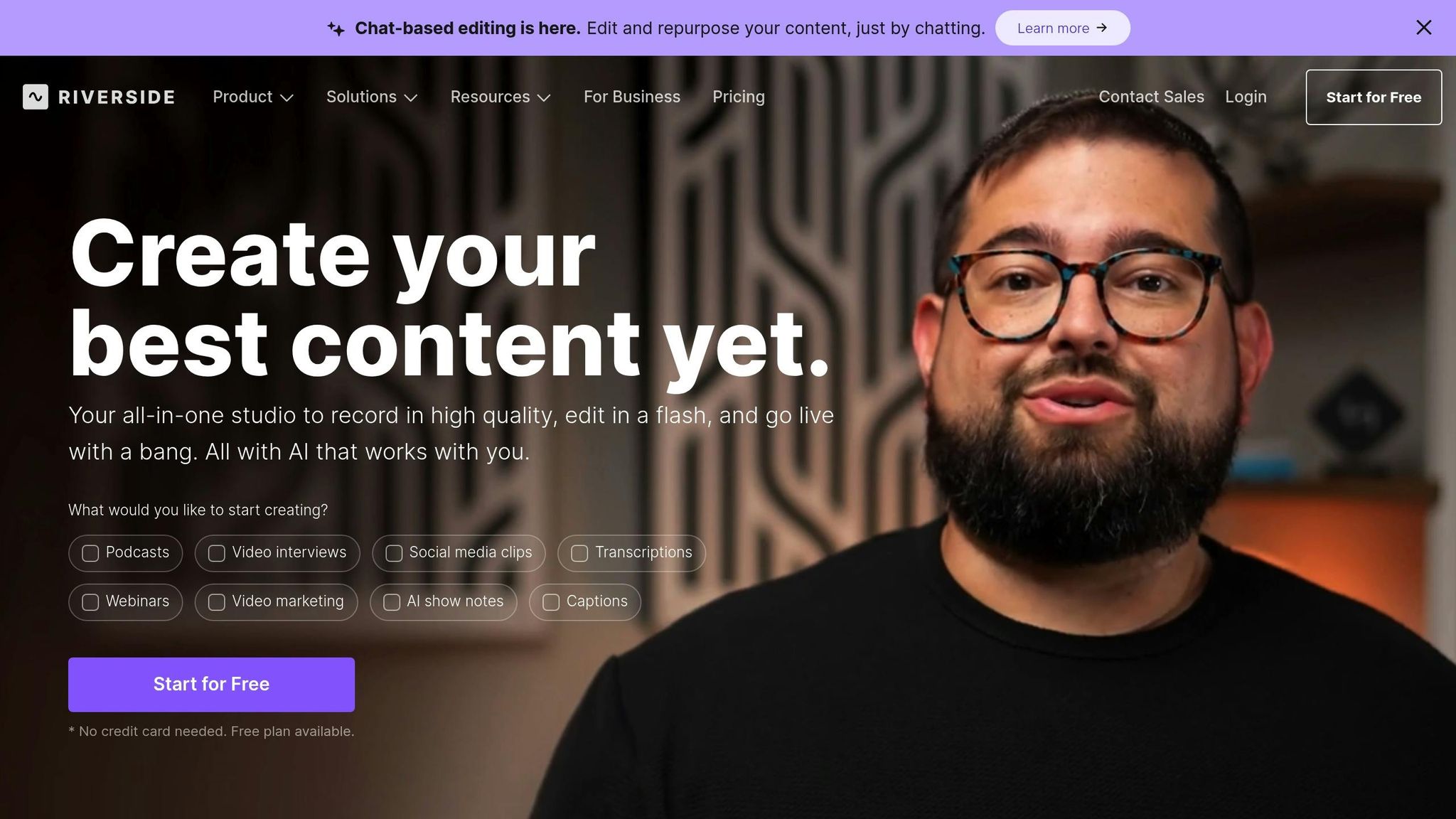
Riverside positions itself as a top-tier remote recording platform, offering both audio and video recording for podcasters who want studio-quality results – without needing a physical studio. While it shares some features with other browser-based tools, Riverside sets itself apart with its emphasis on high-quality output and built-in post-production capabilities.
Features
At the heart of Riverside is its local recording technology, combined with a real-time backup system. Each participant’s audio and video are recorded locally at resolutions up to 4K and 48kHz, then automatically uploaded to the cloud. This ensures your content is safe, even if internet issues arise during the session.
The platform also includes automatic transcription, making it easier to create show notes or repurpose content. Its built-in editor allows you to trim clips, adjust audio levels, and export recordings in various formats – all without needing third-party software. Additionally, Riverside offers a one-click noise reduction feature to minimize background noise and echo, streamlining the post-production process and saving time.
For added flexibility, Riverside supports asynchronous recording, meaning participants can record independently. This feature is especially helpful for podcasters juggling different time zones or busy guest schedules.
Pricing (USD)
Riverside uses a subscription-based model with several pricing tiers:
- Standard Plan: $15 per month, includes 2 hours of recording time, automatic transcription, and basic editing tools.
- Pro Plan: $24 per month, expands recording time to 5 hours and adds features like custom branding and priority support.
- Business Plan: $99 per month, designed for high-volume users with 20 hours of recording time, advanced collaboration tools, and dedicated account management.
All plans support unlimited participants and come with cloud storage for your recordings.
Platform Compatibility
Riverside is entirely browser-based, working seamlessly with Chrome, Firefox, Safari, and Edge on both Windows and macOS. For mobile users, the platform offers apps for iOS and Android. While the mobile apps are primarily designed for guest participation, they make it simple for interviewees to join a session – no downloads or installations required. Guests just click a link, making it incredibly user-friendly for interview-style podcasts.
Skill Level Suitability
Riverside strikes a balance between ease of use and professional-grade features. Beginners will appreciate its straightforward, automated interface, while experienced users can take advantage of more advanced controls and high-quality output. The built-in editor covers most post-production needs, but for those who prefer more detailed editing, raw files can be exported for use in external audio workstations.
sbb-itb-0e595bb
7. Auphonic
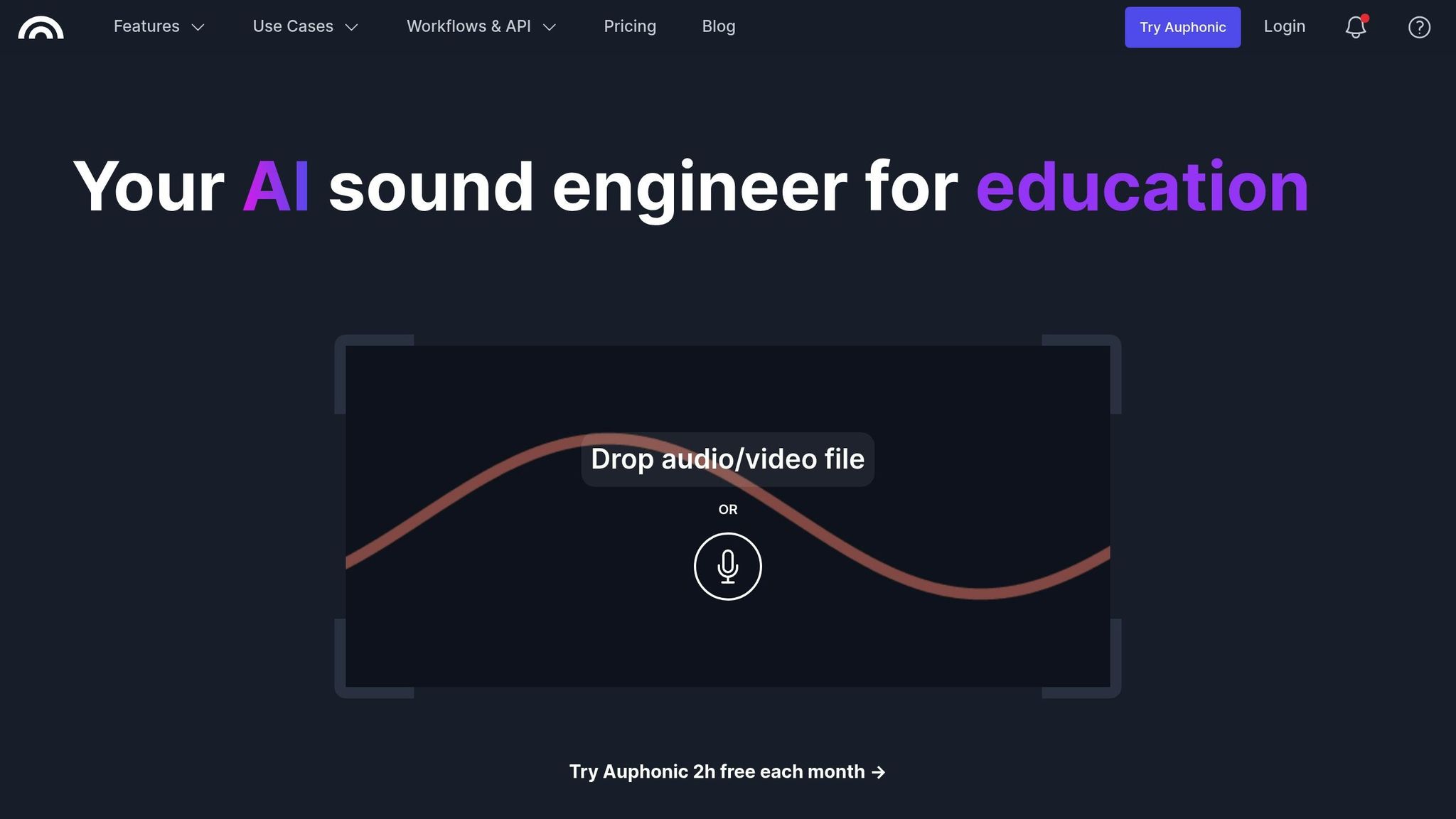
Auphonic takes the hassle out of audio post-production by automating the process to deliver polished, professional-quality sound. This web-based tool leverages artificial intelligence to improve audio, making it a go-to choice for podcasters aiming for high-quality results without spending countless hours fine-tuning settings.
Features
Auphonic uses AI to handle tasks like leveling audio, reducing noise, filtering, and normalizing everything to industry standards (such as EBU R128 and ATSC A/85). Its credit-based pricing structure ties directly to these advanced capabilities, offering flexibility based on your production needs.
Pricing (USD)
The pricing is based on audio duration, with a minimum of 3 minutes per production.
Free Plan: Includes up to 2 hours of processed audio per month. Productions under this plan come with a jingle [3][5].
Recurring Credits (Annual – Save 20%):
- S Plan: 9 hours/month for $11/month (billed annually at $132)
- M Plan: 21 hours/month for $24/month (billed annually at $288)
- L Plan: 45 hours/month for $49/month (billed annually at $588)
- XL Plan: 100 hours/month for $99/month (billed annually at $1,188) [3]
Monthly Recurring Credits:
- S Plan: 9 hours/month for $13/month
- M Plan: 21 hours/month for $29/month
- L Plan: 45 hours/month for $59/month
- XL Plan: 100 hours/month for $119/month [3]
For one-time credits, pricing starts at $12 for 5 hours and goes up to $150 for 100 hours. These credits never expire, making them a flexible option [3].
Platform Compatibility
Auphonic is primarily an online service, accessible through any web browser on Windows, macOS, or Linux systems [2][4]. It also offers a mobile option with Auphonic Edit, an Android app designed for recording and basic editing. Once recordings are made, the app allows users to export files to the main Auphonic web service for full processing. However, advanced features like automated workflows and API integrations are only available on the web platform [1][2][4].
Who It’s For
Auphonic is a great choice for podcasters of all experience levels. For beginners, it simplifies the process – just upload your raw recordings, and the platform handles the rest, delivering audio that meets broadcast standards. For seasoned audio professionals, Auphonic serves as a time-saving tool that automates repetitive tasks while seamlessly fitting into more complex production workflows.
8. Descript
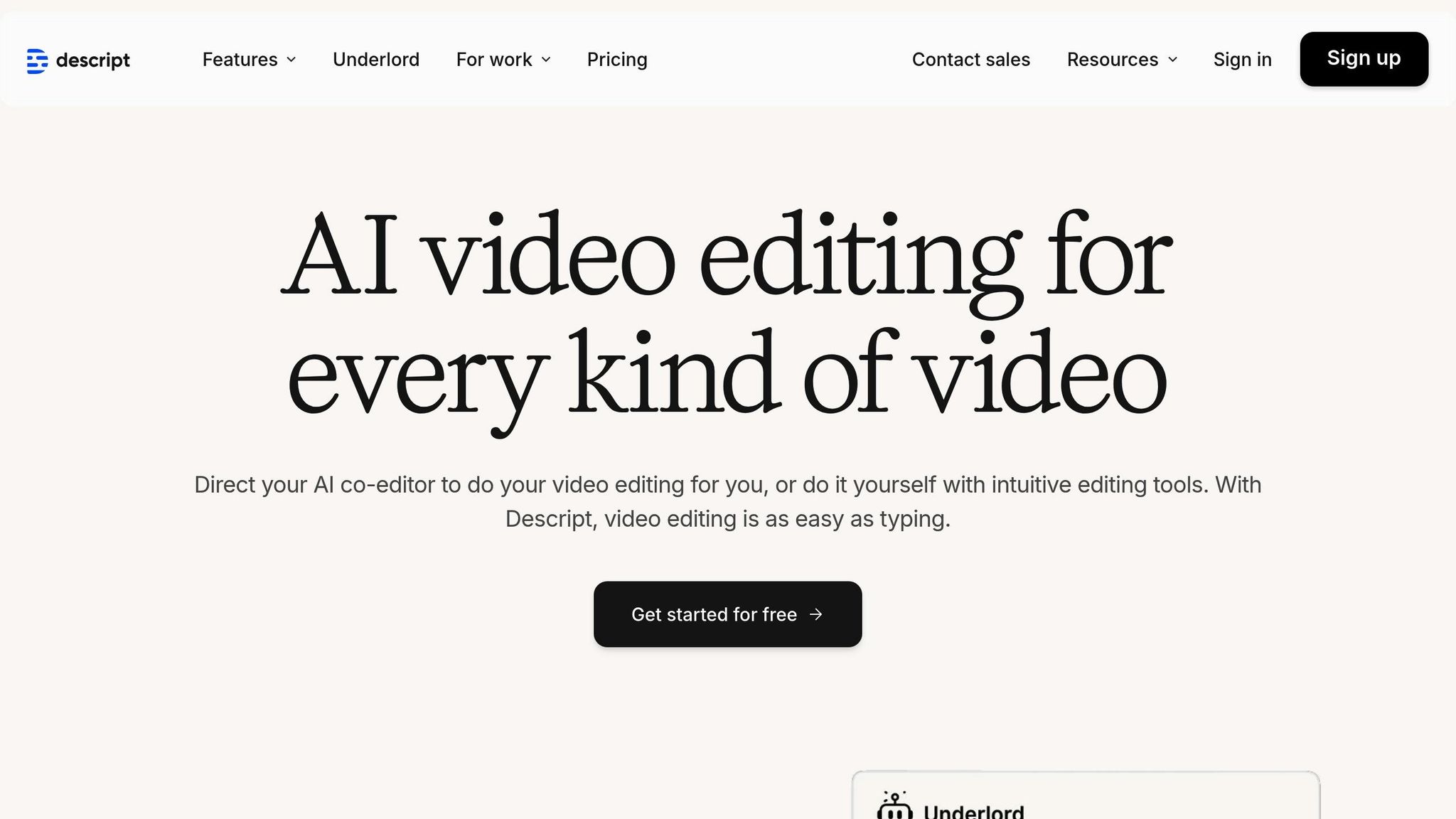
Descript is a desktop application available for both Windows and macOS, designed to simplify podcast post-production with its transcript-based editing and collaborative features [6][7][8]. What sets Descript apart is its text-driven editing system, where users can modify audio by editing the automatically generated transcript – essentially making audio editing as straightforward as editing a document.
However, it’s worth noting that Descript doesn’t offer a dedicated Android app, focusing instead on desktop workflows. This makes it an excellent choice for podcasters who prioritize efficient, desktop-based editing processes while benefiting from a user-friendly interface and advanced tools.
9. Audacity

Audacity is a go-to choice for podcasters seeking a powerful yet free editing solution. This open-source audio editor provides a comprehensive suite of recording and editing tools without costing a dime, making it a favorite among creators.
Features
Audacity packs features that rival paid software. It supports multi-track editing, noise reduction, and includes a built-in equalizer with a Normalizer plugin. The visual waveform display helps you monitor audio levels and spot issues like clipping before finalizing your mix. The software also offers detailed guides that simplify advanced editing tasks.
With tools like the Selection tool and zoom functionality, Audacity lets you make precise, frame-accurate edits. Whether you’re trimming audio or fine-tuning levels, the intuitive interface ensures you stay in control.
Pricing (USD)
Audacity is 100% free – no subscriptions, one-time fees, or hidden charges. This makes it an excellent choice for both beginners and experienced podcasters looking to keep production costs low.
Platform Compatibility
Audacity is compatible with Windows, macOS, and Linux. This flexibility allows you to maintain your workflow regardless of the operating system you use.
Skill Level Suitability
Audacity strikes a balance between simplicity and advanced functionality. Its user-friendly design and step-by-step tutorials make it ideal for beginners just starting out. As Buzzsprout highlights:
"Podcasters like you – beginners and pros alike – can use Audacity to edit your podcast to make it sound professional and help you captivate listeners." – Buzzsprout
For seasoned creators, Audacity offers plenty of advanced tools worth mastering. While there’s a bit of a learning curve, the effort pays off with access to powerful editing features. Whether you’re just starting or refining your craft, Audacity provides a solid foundation for creating professional-quality podcasts.
10. Adobe Audition
Adobe Audition stands out as a premium choice for podcasters who are serious about achieving broadcast-level production quality. This professional-grade audio workstation is packed with advanced tools, but it does come with a steeper learning curve and a higher price tag.
Features
Adobe Audition is often praised for being a powerful and versatile DAW. According to The Podcast Host, it offers advanced editing capabilities and noise reduction tools, making it a go-to choice for high-quality audio production [9][10]. The Essential Sound panel simplifies common tasks, providing a helpful starting point for beginners while still catering to more experienced users.
One of its standout elements is its built-in effects, which rank among the best in digital audio workstations [11]. These tools enable professional-grade audio processing. Additionally, seamless integration with other Adobe products and frequent updates ensure the software remains up-to-date and highly functional [9]. These robust features help justify its premium pricing.
Pricing (USD)
Adobe Audition operates on a subscription model:
- Single App Plan: $22.99 per month (billed annually) or $34.49 for month-to-month billing. A prepaid annual option is also available for $263.88 [9].
- Creative Cloud All Apps Package: Includes Audition along with Photoshop, Illustrator, and more for $59.99 per month (billed annually), $89.99 month-to-month, or $659.88 for a prepaid annual subscription [9].
Both plans come with a free trial, giving users a chance to explore the software before making a commitment [9].
Platform Compatibility
Adobe Audition is compatible with both Windows and macOS, ensuring flexibility for users regardless of their operating system [11].
Skill Level Suitability
This software is best suited for intermediate to advanced users. While the Essential Sound panel simplifies basic tasks, unlocking the full potential of Audition requires time and effort. As Matthew McLean from The Podcast Host explains:
"Audition is a powerful tool. But it’s undoubtedly overkill for many podcasters. On top of that, there’s no call recorder option, and many podcasters these days want access to remote interviews. The cost of Adobe Audition might be prohibitive to some, too." [9]
Scoring a 4.3 out of 5 from The Podcast Host [9], Adobe Audition is ideal for serious podcasters who demand top-notch results. However, its complexity and subscription-based pricing may make it less appealing for simpler podcasting needs.
Advantages and Disadvantages
When it comes to audio editing tools, each option brings its own strengths and limitations. The best choice depends on your specific needs, budget, and level of experience. Here’s a quick summary of the pros and cons of different types of tools:
- Free tools like Audacity are great for basic editing without spending a dime, but they often lack advanced features.
- Professional-grade software offers high-quality audio and advanced effects, but it comes with a steeper price tag and a tougher learning curve.
- Cloud platforms like Zencastr and Riverside are excellent for remote recording and collaboration, though they rely on a stable internet connection and have limited local editing capabilities.
- AI-driven tools like Descript simplify editing by using text-based workflows, but they require a subscription and some time to get used to.
Here’s a detailed comparison of popular tools:
| Software | Key Advantages | Main Disadvantages | Pricing Model | Best For |
|---|---|---|---|---|
| Reaper | Highly customizable, affordable license | Steep learning curve | $60 one-time | Advanced users |
| Hindenburg Journalist | Tailored for spoken word, automatic leveling | Pricey, limited for music production | $399 one-time | Professional journalists |
| Sound Forge Pro | Precise audio restoration, batch processing | Windows-only, complex interface | $199–$399 one-time | Audio restoration specialists |
| Cubase | Comprehensive music production suite, MIDI support | Overkill for podcasts, expensive | $99–$579 one-time | Music producers who podcast |
| Zencastr | Progressive upload, high-quality remote recording | Internet-dependent, limited local editing | Free–$20/month | Remote interviews |
| Riverside | Studio-quality remote recording, video support | Requires subscription, internet-dependent | $15–$24/month | Video podcasters |
| Auphonic | Automatic post-production, batch processing | Limited creative control, processing delays | Free–$18/month | Automated workflows |
| Descript | Text-based editing, transcription included | Subscription required, has a learning curve | $12–$30/month | Content creators |
| Audacity | Free, works across platforms | Basic interface, manual processes | Free | Budget-conscious beginners |
| Adobe Audition | Professional effects, Creative Cloud integration | Expensive subscription, complex interface | $22.99/month | Professional podcasters |
Most of these tools are compatible with both Windows and macOS, though some, like Sound Forge Pro, are exclusive to Windows. Beginners might find simpler tools like Audacity or Auphonic easier to work with, while advanced users can unlock more creative possibilities with professional software.
Conclusion
When picking podcast editing software, focus on your specific needs, budget, and experience level. The right tool will depend on how and where you record, as well as the complexity of your podcast.
If you’re recording remotely, cloud-based tools like Zencastr or Riverside are great options. Zencastr ensures stable audio for remote interviews, while Riverside adds video recording for podcasters branching into visual content.
For those who prioritize efficiency, Descript simplifies editing by letting you tweak transcripts instead of waveforms. If you’re a professional seeking advanced audio processing and seamless integration with Creative Cloud apps, Adobe Audition is a top-tier choice.
Advanced users might lean toward Reaper for its extensive customization and affordable $60 lifetime license. On the other hand, professionals who need precise voice leveling may find Hindenburg Journalist worth its $399 price tag.
The trick is to align your software choice with your workflow. A simple podcast with consistent hosts might thrive using Audacity for its ease of use. But if your show involves multiple remote guests, music, and sound effects, you’ll likely need the advanced features of more sophisticated tools. Starting with free or budget-friendly options can help you discover your editing style before committing to pricier software.
FAQs
What should I consider when choosing the right podcast editing software for my needs and budget?
When picking podcast editing software, it’s important to think about your goals, experience level, and the kind of editing you’ll be doing. If you’re just starting out, go for software that’s easy to use and includes helpful tutorials to guide you. For those with more experience, focus on tools that offer features like multi-track editing and advanced audio effects.
Your budget will also play a big role. Free software can be a great starting point, but paid options often come with more powerful tools and capabilities. Be sure to choose software that’s compatible with your operating system and works well with your existing podcasting equipment. Finally, look into the availability of customer support and resources, like guides or forums, to help you troubleshoot problems or learn how to use advanced features.
How do cloud-based podcast editing tools compare to traditional desktop software in terms of features and reliability?
Cloud-based podcast editing tools like Zencastr and Riverside aim to make the editing process easier with features such as AI-powered noise reduction, automatic removal of filler words, and real-time transcription. These tools are typically more intuitive and accessible, making them a popular option for beginners or anyone prioritizing convenience.
In contrast, traditional desktop software like Audacity offers more detailed editing controls and customization options. While these programs often come with a steeper learning curve, they’re perfect for experienced users who need precision and flexibility in their editing process.
The choice ultimately comes down to your needs – whether you prefer the simplicity and automation of cloud-based tools or the hands-on control provided by desktop software.
What are the benefits of using AI-powered tools like Auphonic for podcast editing, and how can they fit into your workflow?
AI-driven tools such as Auphonic make podcast editing much easier by automating tasks that typically take a lot of time. These tools can tackle volume leveling, noise reduction, reverb removal, and even EQ adjustments, all aimed at improving audio quality. On top of that, they offer multitrack processing, ensuring individual tracks are well-balanced, and apply loudness normalization that meets industry standards – resulting in a professional-sounding final product.
Auphonic fits smoothly into your workflow. You can simply upload your audio files and use customizable presets to achieve consistent results every time. Plus, it connects with major podcasting platforms and cloud services, streamlining the publishing and distribution process for your episodes.